Web Developers Portfolio Websites: The Surprisingly Simple Formula That Works Every Time
Building a portfolio feels heavy at first. You're not just showing projects, you're selling your taste, judgment, and ability to get things shipped. I've noticed most junior devs and designers overthink the whole thing. They obsess over animations, frameworks, or “uniqueness,” and end up with a site that hides the work instead of selling it.
The good things first: a neat and expected formula wins from smartness almost double times. It is not necessary to come up with a completely new idea. Just keep few practical rules and arrange your content in such a way that recruiters, clients, and other devs can rapidly grasp what you are doing and to what extent you are successful.
Who this guide is for
- Freelance web developers who want more clients
- Front-end beginners learning to present code and design
- Computer science students and junior devs hunting internships
- Designers who code and want a developer-friendly portfolio
Throughout this post I’ll use real-world tips, common mistakes I’ve seen, and small examples you can apply today. Expect clear portfolio website tips, sample web developer portfolio layout ideas, and practical advice about free portfolio templates and responsive developer portfolio patterns.
The surprisingly simple formula
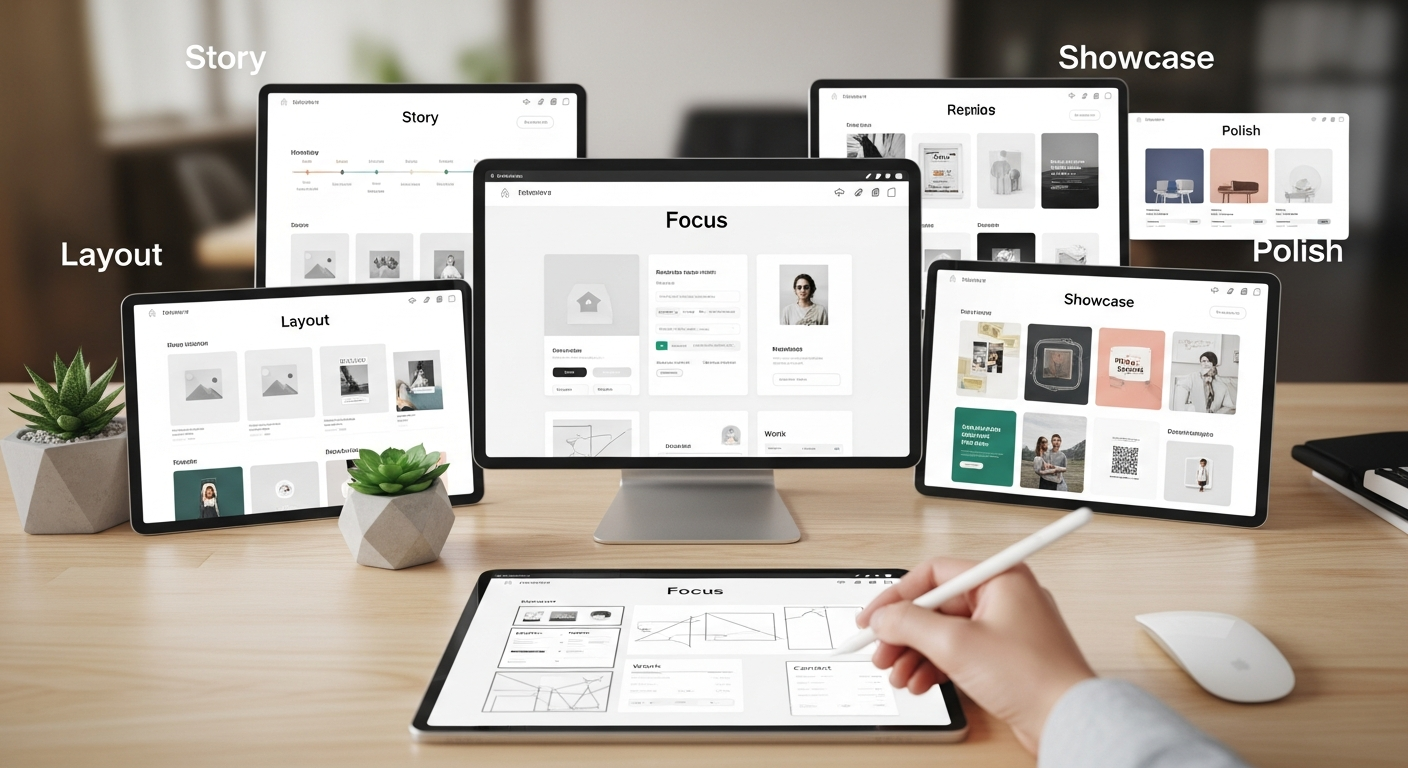
A developer portfolio essentially revolves around five fundamental elements: focus, layout, showcase, story, and polish. Very simple. Each element comprises a few rules that you can abide by. Collectively, they form a one, page portfolio or a small multi, page site that is stable, efficient, and convincing.
- Focus: Define one primary role and audience.
- Layout: Use a predictable structure, hero, projects, about, contact.
- Showcase: Pick 3–6 projects and present them well.
- Story: Explain your role, decisions, and impact.
- Polish: Ensure that it is responsive, speedy, and visually convenient.
1) Focus: Say what you do, quickly
Your site should answer three questions in under 5 seconds: Who are you? What do you do? How can someone hire you or see your work?
Too many portfolios try to be everything. They list every language, every tool, and every side-project. That’s noise. Pick a primary label and stick to it. For example:
- "Front-end developer: React + Accessibility"
- "Freelance web developer: landing pages and performance"
- "UI engineer: design systems and animations"
These short labels help you tailor the rest of the site. I’ve seen candidates label themselves “Full Stack Ninja” and expect that to do the job. It doesn’t. Be specific, honest, and audience-aware.
2) Layout: Use the one-page portfolio site pattern
A one page portfolio site works especially well for junior devs and designers who don't have dozens of case studies. It’s simple, scannable, and mobile-friendly by default.
Standard structure (works for both one page and small multi-page sites):
- Hero: short headline, one-line summary, and CTA
- Featured projects: 3–6 project cards with one-liners
- Project case studies: short, focused pages or modals
- About: photo, brief bio, and role highlights
- Contact: email, links to GitHub/LinkedIn, and a small contact form
Don’t make the hero a giant animation or an auto-playing video. Keep it simple. One clear CTA like “View projects” or “Contact me” is enough. If you’re freelancing, use “Hire me” or “Get a quote”.
Example hero that works:
“I build fast, accessible React interfaces for SaaS teams. Currently open to freelance projects and internships.”
[CTA] View projects
3) Showcase: Choose and present projects that matter
Quality beats quantity. Pick your best 3–6 projects. Each should teach the viewer something about your skills or way of working.
What to include for each project (simple checklist):
- Project title and one-line summary (what problem you solved)
- Your role (solo, team, frontend, full-stack)
- Tech stack (one-liner: React, Tailwind, Node, etc.)
- Key challenges and how you solved them (2–3 bullets)
- Outcome or impact (metrics if you have them)
- Link to live site and code (if public)
I always recommend adding a “what I learned” sentence. It signals growth and honesty. For example: “Learned how to optimize LCP by lazy-loading hero images and critical CSS.”
Avoid these common mistakes:
- Listing 20 tiny projects without depth. Recruiters skim; they want 3 meaningful case studies.
- Only screenshots with no context. Screenshots are necessary but explain the why and how.
- Overly technical logs or raw code dumps. Link to GitHub, but don’t expect the viewer to dig through your commits.
How to structure a project card
Keep the card readable. Use a thumbnail, a short summary, and a link to a lightweight case study (a modal or a single scroll section). If you use a free portfolio template, choose one that supports this pattern.
Example one-liner for a project card:
“Marketing site for a fintech startup, reduced bounce rate by 18% through performance and UX fixes.”
4) Story: Tell concise case studies, not complete histories
A good case study doesn't need to be long. In fact, shorter is often better. Aim for clear sections: Problem, Approach, Outcome, What I learned. Each should be 1–3 short paragraphs or bullet points.
Use metrics when possible. Numbers make impact real. If you don’t have hard numbers, qualitative outcomes are fine like “improved sign-ups” or “reduced load time noticeably.”
Here’s a compact case study structure that I recommend:
- Problem: 1–2 sentences describing user pain or business goal
- My role: What you were responsible for
- Approach: 3–4 bullets on technical choices and decisions
- Outcome: Metric or result + short takeaway
Be honest about trade-offs. If you chose a quick fix to meet a deadline, say so. I’ve noticed that transparency builds trust, especially during interviews.
5) Polish: Make it fast, accessible, and responsive
Technical polish signals competence. If your portfolio is slow or broken on mobile, people assume your work is too. That’s the unfortunate truth.
An essential checklist for a developer portfolio that is responsive:
- Mobile, first CSS and breakpoints (a desktop shouldn't just be scaled down)
- Optimized images (next, gen formats, srcset or responsive images)
- Fast performance (minimize bundles, use tree, shaking and code, splitting)
- Accessibility basics (semantic HTML, alt text, keyboard navigation)
- SEO basics, title tags, meta descriptions, descriptive
- URLs Analytics (optional) to learn which projects people are viewing
Tools I use and recommend: Lighthouse for audits, WebPageTest for performance, and axe for accessibility checks. If you're using a static site generator, add incremental builds and a CDN for fast global delivery.
Design and content tips that actually help
Design is more than visuals. It’s about clarity and hierarchy.
- Use a readable type scale. Big headings, medium subheads, legible body text.
- Consistent spacing: choose a rhythm (8px or 10px) and stick to it.
- Limit your color palette. One accent color and neutral tones keep the focus on content.
- Make CTAs obvious. “View project” and “Hire me” are good examples. Don’t hide them.
- Write for scanners. Use short paragraphs, subheads, bullets, and bold important words.
Wording matters. For instance, instead of “I worked on the frontend of a project,” say “Built the frontend using React and reduced bundle size by 40%.” Specifics win.
Developer portfolio ideas: What to include if you don’t have client work
Public contributions, course projects, and well-done clones can all stand in for professional projects, if you present them correctly.
Good options when you’re starting out:
- Open-source contributions with a short note about your PR
- Feature-focused small apps (e.g., a weather app showcasing API skills)
- Design-to-code projects demonstrating pixel-perfect implementation
- Performance or accessibility audits with before/after screenshots
- Mock case studies: choose a small business, build a landing page, and measure A/B results (if possible)
Make sure each project shows a decision. Did you choose server-side rendering for SEO? Did you use IntersectionObserver to lazy-load images? Those short technical notes matter to hiring managers.
Free portfolio templates and starter kits
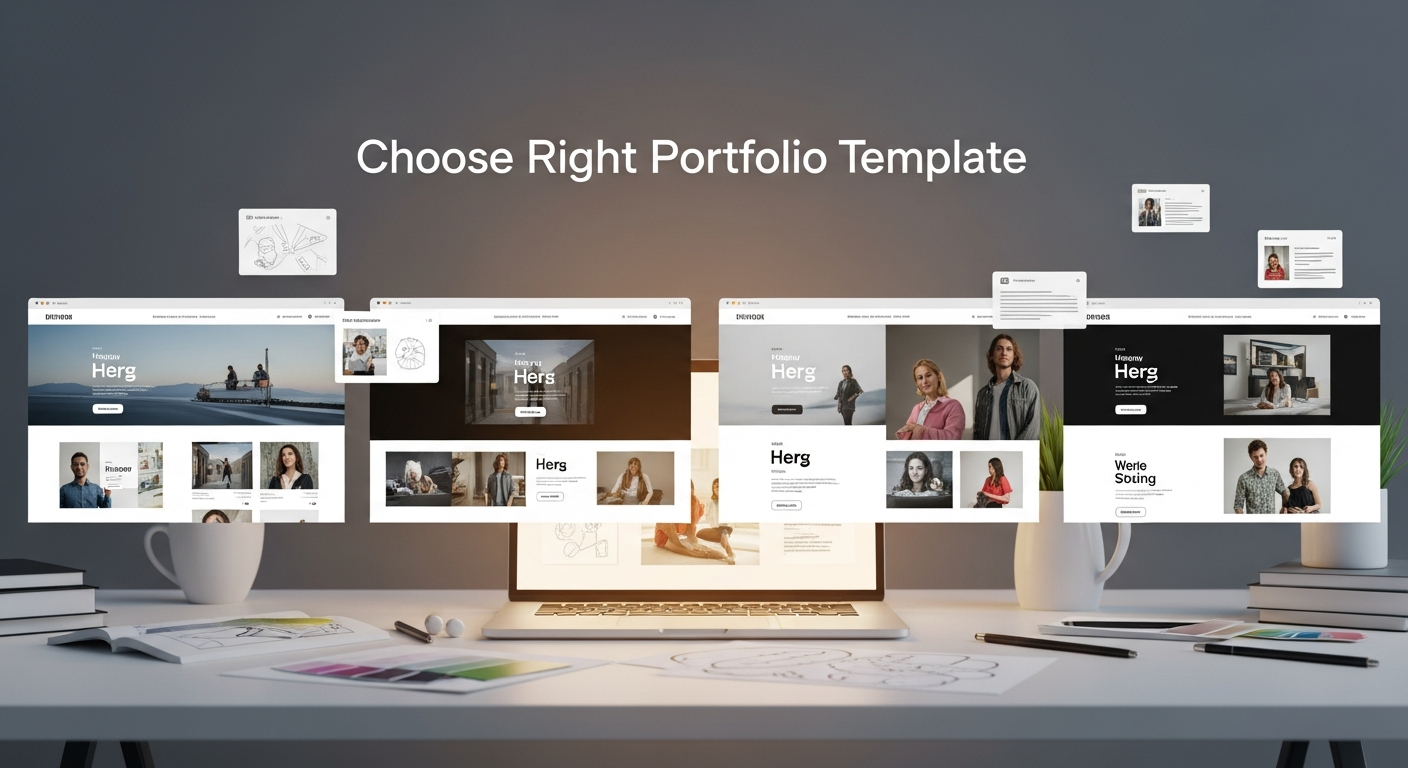
Templates can save hours of work. They’re especially handy for interns and junior devs who want to focus on content instead of design.
What to look for in a free portfolio template:
- Semantic HTML and responsive layout out of the box
- Minimal JS or a modern framework you’re comfortable with
- Accessible patterns (skip links, ARIA where needed)
- Easy customization for colors and type scale
Whoozit offers a set of templates focused on clean layouts and developer-friendly choices. They make it easy to launch a responsive developer portfolio without wrestling with deployment. If you want a fast route, it’s worth checking out.
One page portfolio site: pros and cons
One page sites are great for simple presentation. They reduce navigation friction and are easy to maintain. In my experience, a one page portfolio site converts better for casual viewers (like recruiters quickly scanning profiles).
Pros:
- Fast to build and maintain
- Natural mobile experience
- No complex navigation needed
Cons:
- Can get long and heavy if you add too many case studies
- Harder to target multiple SEO keywords
- Not ideal if you have deep, multi-page case studies
If you plan to include long case studies, host them as separate pages or modals. That keeps the main page scannable.
Common pitfalls and how to avoid them
Here are mistakes I see repeatedly and quick fixes for each.
- Too many projects: Trim to your best 3–6. Depth > breadth.
- Overcomplicated UI: Remove non-essential animations. Make interactions meaningful.
- No contact CTA: Put email or contact form above the fold on mobile.
- No code links: Link to relevant GitHub repos, but keep them curated.
- No clear role: State your primary role and responsibilities on each project.
- Poor performance: Optimize assets, lazy-load, and use a CDN if possible.
Little things add up. A misaligned grid or broken GitHub link can make you look careless. Check your site on several devices before sending it out.
SEO and discoverability for developer-focused searches
If you want to attract organic traffic for searches like developer portfolio ideas or personal website examples for developers, a few SEO basics help a lot.
- Use descriptive page titles: “Jane Doe, Front-end Developer | Portfolio”
- Write clear meta descriptions for each page
- Include keyword-rich headings naturally (avoid keyword stuffing)
- Host a blog or short write-ups about technical challenges (this boosts long-tail SEO)
- Use structured data for profile and projects if possible
Example blog topics that attract developer traffic: “How I improved LCP on a React app,” “Accessible forms: implementation tips,” or “Developer portfolio ideas for juniors.” Short, technical posts with code snippets rank well and show your expertise.
Performance: People notice and care
I can't stress this enough. If your portfolio loads slowly, people infer sloppiness even if the work itself is great. Keep initial load under ~1.5s on a good 3G connection if possible.
Performance quick wins:
- Preload key fonts and critical images
- Use font-display: swap to avoid FOIT
- Serve images with srcset in modern formats (WebP, AVIF)
- Defer or lazy-load non-critical JavaScript
- Compress assets and enable gzip or Brotli on your server
Accessibility: It matters and it helps your case
Accessibility isn't optional. It shows you care about real users, not just pixels. Also, it’s often an easy win in interviews to say you built something accessible from day one.
Low-effort accessibility wins:
- Use semantic HTML, nav, main, header, footer
- Provide alt text for images and meaningful link text
- Ensure color contrast meets AA standards
- Test keyboard navigation and focus outlines
If you want to impress, add a short note in your about section: “I audit and fix accessibility issues as part of every project.” That statement opens conversations.
Showcasing code without overwhelming non-technical viewers
Not everyone who views your portfolio knows how to read code. Balance is key. Present readable snippets with brief explanations, then link to the full repo for those who want to dig deeper.
Tip: highlight one or two meaningful bits of code per project, an elegant function, a custom hook, or a CSS pattern. Explain what problem it solves in one sentence.
Read More:
What Is Portfolio in Website and The Secret Behind a Strong First Impression
How to Choose the Right Portfolio Website Design Templates Free for Your Work
What to include in your About section
Your About section should be short, human, and relevant. People hire people. Show a bit of personality, but keep it professional.
- Two-sentence summary of who you are and what you do
- One short paragraph about how you approach problems
- A small list of core skills or tech stack
- Links to GitHub, LinkedIn, and an email
Adding a quick fun fact helps. For example: “I build interfaces by day and play jazz guitar at night.” It’s an icebreaker for interviewers.
Contact and networking: Make it easy
Large forms scare people. Keep it simple: email, a short contact form (name, message, optional budget), and social links. If you take freelance work, mention your availability explicitly: “Available for 10–15 hour/week freelance projects.”
Pro tip: set up a mailto: link and a simple form that posts to an endpoint or uses a service like Formspree. Quick and reliable beats fancy and fragile.
Maintenance: Keep your portfolio current
Treat your portfolio like a living resume. Update it every 3–6 months. Remove outdated projects. Add new skills and a recent project or two. Recruiters notice stale portfolios.
Also, keep a changelog or a “recent updates” snippet. It’s a small signal that you actively maintain your site.
Putting it all together: Example web developer portfolio layout
Here’s a concrete one-page layout you can follow. Think of each line as a section on your site.
- Hero: Name, role, one-liner, primary CTA
- Featured projects: 3 cards with thumbnails and one-liners
- Project case study section: short modal or page for each project
- Skills bar: concise icons or a simple list (don’t overdo badges)
- About: 2-paragraph bio, photo, contact CTA
- Blog or writing: 3 recent posts (optional but great for SEO)
- Footer: links, email, social, legal
For mobile, collapse the project cards into an accessible vertical list and prioritize “Hire me” and “View projects” CTAs near the top.
How Whoozit helps
If you want a fast, no-fuss start, Whoozit offers clean starter templates, built for developers. I like that it balances simplicity with flexibility, so you won't spend a week tweaking a theme only to realize it doesn't support a project modal.
Whoozit templates include responsive layouts, minimal JS, and accessible patterns. They also make deploying a responsive developer portfolio straightforward, hosted, fast, and easy to update. If you’d rather spend your time refining case studies than wrestling with build tools, Whoozit is a practical option.
Portfolio website tips: quick checklist
Use this checklist before you share your URL:
- Clear role and headline
- 3–6 curated projects with context
- Readable, accessible layout
- Fast performance and optimized assets
- Mobile-first responsive design
- Contact method visible and working
- Links to relevant GitHub repos and live demos
- Short blog posts for discoverability (optional)
Final thoughts: don't overthink it
Perfectionism kills momentum. Launch a simple portfolio, get feedback, and iterate. You’ll learn more from real views and interview conversations than from endless design tweaks.
Start with the simple formula: focus, layout, showcase, story, polish. Follow it, trim the noise, and share your site. You’ll be surprised how often the straightforward approach outperforms flashy experiments.