Online Resume Editor – Edit & Customize Professional Resumes Instantly
In a hurry to change your resume? Nobody is with you. Procrastination seems to be the common way of the majority of job seekers until the last moment, and then they fight with Word or PDFs and a dozen formatting problems, this is what I have observed. If that sounds familiar, an online resume editor can save hours and a lot of stress.
This guide walks you through why using a resume editor online makes sense, how to edit resume online quickly, and how Whoozit helps you create ATS-friendly, professional resumes without design skills. I am going to share with you the practical tips, the mistakes that I often see, and easy examples that you can imitate. This is pretty much like a brief coaching session for those who are in need of a neat and efficient resume in a hurry.
Why choose an online resume editor instead of Word or PDF tools?
Word processors are powerful, but they can be slow and fiddly for resume design. Exporting to PDF often shifts spacing, and small layout changes mean redoing things. I’ve been there—one extra bullet point and the whole format shifts.
Here’s what an online resume editor gives you instead:
- Templates designed for recruiters and ATS systems, so your resume reads correctly during scans
- Instant formatting and consistent styles without typing style rules manually
- Drag-and-drop editing and block-based sections for fast customization
- Pre-written phrases and achievement prompts that help you convert tasks into results
- Clean PDF export that preserves layout across devices
In short, a resume maker online frees you from the formatting fight and lets you focus on content. That matters when you apply to multiple roles and want a tailored version for each job.
Whoozit: A resume editor online that gets to the point
I want to call out Whoozit because I’ve used it and recommended it to students and friends. It’s built for people who need a polished resume without learning design tools or messing with code.
What I like about Whoozit:
- Easy template selection with modern, recruiter-friendly layouts
- Quick edit options like change font, reorder sections, and adjust spacing in one click
- ATS-friendly resume editor tools so your resume parses cleanly in applicant tracking systems
- Pre-filled content suggestions especially helpful for freshers and career switchers
- Export to PDF or share a link instantly, so you’re ready to apply in minutes
If you're in India, Whoozit positions itself as one of the best online resume editors in India for students and professionals. That local focus helps because templates can match regional norms in job applications.
Quick example: Edit resume online in under 10 minutes
Want a short, actionable workflow? Try this when you need a fast refresh:
- Pick a template based on industry. Choose a simple, single-column layout for tech or finance. Go for a two-column layout for creative roles.
- Replace the headline with a concise role title and a one-line value proposition. Example: "Product Analyst — turned user data into insights that improved retention by 12 percent."
- Scan your experience and convert tasks into achievements. Use numbers if possible.
- Adjust fonts and spacing for readability. Keep everything within one page if you have less than 10 years of experience.
- Run an ATS check and export to PDF. You're done.
That’s it. No Word format wars, no margin troubleshooting, no guessing if a recruiter sees your resume the way you do.
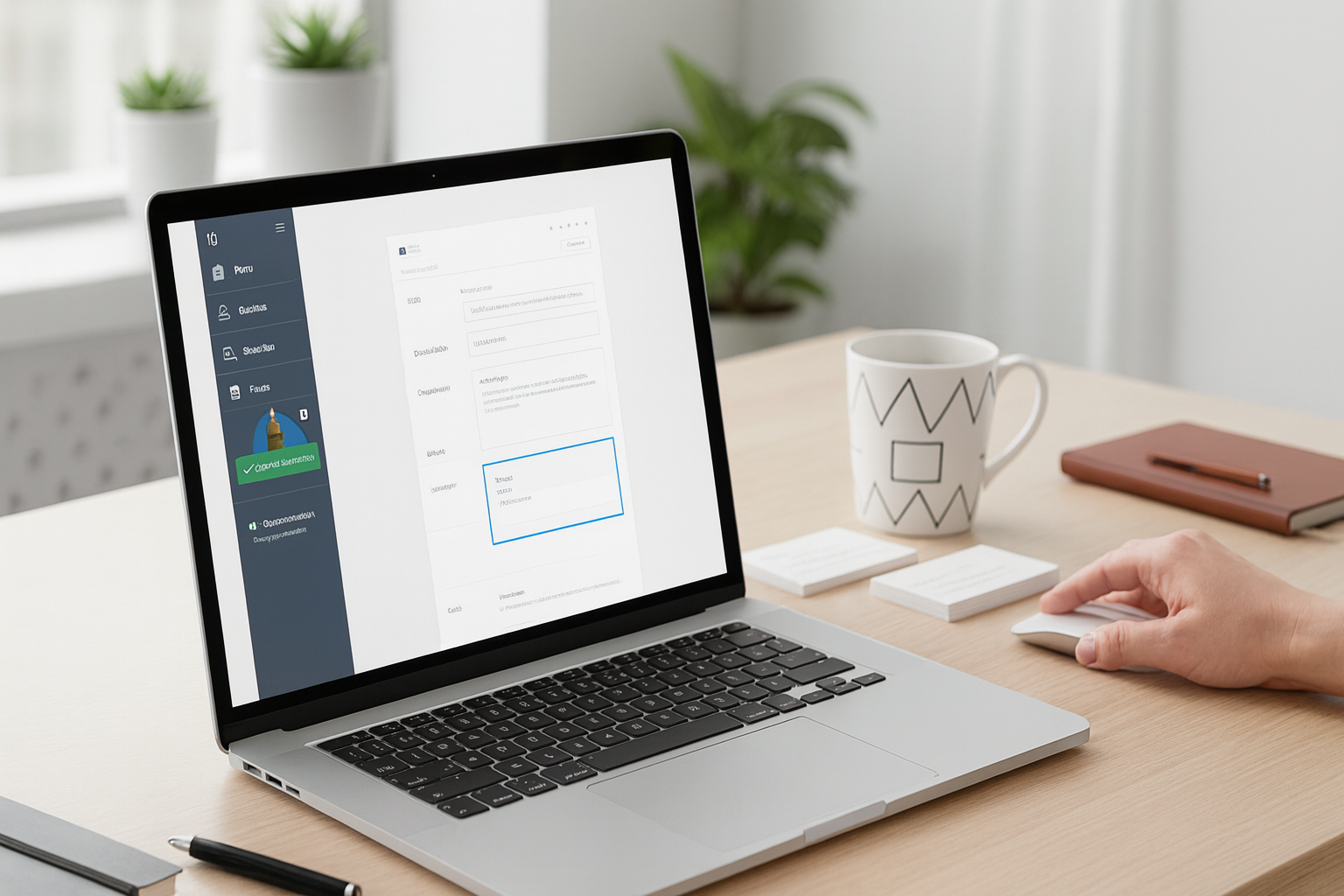
Step-by-step: How to edit your resume online with a resume formatting tool
If you want more detail, here’s a clear step-by-step process I use when coaching students or friends. It works whether you’re a fresher, a mid-career pro, or a freelancer.
1. Choose the right template
Templates aren’t just about looking nice. They guide the recruiter’s eye. For most corporate and tech roles, pick a clean single-column template. If you’re a designer or marketer, try a layout that leaves room for a short portfolio link or visual samples.
Tip: Avoid templates with heavy graphics or multiple fonts when applying through an ATS. They can break parsing.
2. Start with a clear headline and summary
Headlines help recruiters see fit quickly. Instead of "Resume," use a role-based headline like "Software Engineer — Backend" or "Finance Analyst | CFA Level 1." Follow with a short summary that states what you do and the impact you deliver.
Example summary: "Entry-level data analyst skilled in SQL and Excel. Built dashboards to track user behavior that helped product teams prioritize features and home and lifestyle tips."
3. Turn job duties into achievements
Listing tasks is common, but it doesn’t impress. I always ask people: What changed because of your work? Numbers help. Even small percentages or ranges make your case stronger.
Before: "Responsible for social media posts and monthly reports."
After: "Improved social engagement by 28 percent through targeted A/B testing and weekly content calendars."
4. Prioritize relevant sections
Order matters. Put the most relevant experience or skills near the top. For freshers, that may mean projects and internships. For experienced professionals, keep job experience front and center.
5. Use keywords thoughtfully
Recruiters and ATS systems look for job-specific keywords. Read the job description and include meaningful keywords naturally. Don’t stuff keywords. If you say "project management" make sure you can back it up with an example.
6. Keep design simple and consistent
Pick one font family, consistent spacing, and readable sizes. Avoid bright colors for serious roles. In my experience, recruiters appreciate clarity over flash.
7. Export and test
Export to PDF and do a quick quality check on another device. If possible, run an ATS checker to see how the resume parses. Fix any misaligned sections or odd character issues before you apply.
Why ATS-friendly matters and how to get it right
Applicant tracking systems are the gatekeepers for many roles. If your resume doesn’t parse correctly, a recruiter might never see it. That’s why choosing an ATS-friendly resume editor online matters.
Here are actionable rules I recommend:
- Make use of typical section titles such as "Work History," "Educational Background," and "Skill Set"
- Refrain from having pictures as well as words in the top or bottom parts of the pages which could be not visible for ATS
- Express the time periods in a basic manner, for instance, "Jan 2020 - Dec 2021"
- Convert the job descriptions into brief points and utilize unformatted text
- Include a skills section with relevant keywords from job descriptions
Whoozit includes templates and checking tools that help with ATS compatibility. That saves time and reduces guesswork.
Resume tips for different audiences
Not everyone wants the same resume. Here are quick rules for different situations.
Fresh graduates and students
Focus on projects, internships, and coursework that show applied skills. Use concrete results from university projects or hackathons. Keep the resume to one page unless you have extensive internships.
Example line: "Led a team of four to build a campus app, increasing weekly active users by 400 students in the first month."
Working professionals
Prioritize recent, relevant achievements. Use metrics and state your role in cross-functional work. If you are changing jobs within the same industry, customize each resume according to the job description. In case you are changing industries, emphasize transferable skills in the beginning.
Freelancers and remote workers
Highlight the work you have done for clients and provide brief case studies. Talk about the tools you used and the results. In case you are mostly working remotely, mention remote collaboration tools that you use and time zone flexibility if it is relevant.
Common resume mistakes and how to avoid them
Everyone makes resume mistakes. I still catch myself doing a few when rushing. Here are the ones I see most often and simple fixes.
- Too vague. Saying "improved operations" is weak. Say what you improved and by how much.
- Long paragraphs. Use bullets and short lines. Recruiters skim resumes.
- Inconsistent dates and formats. Pick a format and stick to it throughout.
- Over-design. Fancy graphics can break ATS parsing and distract from content.
- No results. Always aim to quantify outcomes, even roughly. "Reduced support tickets by half" beats "handled customer support."
Small fixes here make a big difference. If you use an online resume builder, most of these issues are easy to avoid because the tool enforces consistency.
Simple language, better results
Write like you talk. That doesn’t mean slang, but plain language reads faster.
Compare these two lines:
- "Executed full lifecycle recruitment activities, including sourcing, screening, and onboarding."
- "Hired and onboarded 25 hires in three months using targeted sourcing and streamlined interviews."
The second line is tighter and more honest. It tells a story quickly. In my experience, recruiters respond to clarity more than clever phrasing.
Template selection: what to pick and why
Choosing the right template can change how your resume is perceived. Here’s a simple guide.
- Interview-driven roles like sales or client services: pick a layout that highlights achievements and numbers
- Technical roles: pick a clean layout with a strong skills section and project listings
- Creative roles: choose a design that allows you to link to a portfolio or samples
- Academic or research roles: prioritize publications, projects, and technical skills
Whoozit’s resume template editor helps you preview how your resume looks and parses. You can switch templates without losing content, which is a huge time saver when you apply to diverse roles.
Customization: make each application count
One trick I use when applying to multiple jobs: keep a master resume and create tailored versions for each role. With an online resume editor, you can duplicate your resume, change three to five elements, and export a file specific to a job.
Things to tailor:
- Headline and summary to echo the job title and key skills
- First three bullet points under the most recent job to match the job description
- Skills section to prioritize keywords the employer uses
- Order of projects or roles that are most relevant
Small tweaks are often enough to pass ATS filters and catch a recruiter's eye. I’ve seen resumes that landed interviews after just a few targeted changes.
Real-world examples you can use
Here are short, copyable examples to turn duties into achievements.
- Before: "Managed social media accounts for the brand."
- After: "Grew Instagram followers by 40 percent in six months through weekly A/B testing and influencer partnerships."
- Before: "Worked on database migration."
- After: "Led migration of 500,000 records to new database, reducing query times by 35 percent."
- Before: "Responsible for customer service."
- After: "Reduced average response time from 48 hours to 6 hours by introducing triage processes and a knowledge base."
These are simple, and you can tweak numbers to match your work. The idea is to show impact, not just activity.
Also Read -
Mobile-Optimized Link-in-Bio: Boost Engagement and Reach
Self-Promotion for Introverts: Tools and Tactics That Actually Feel Natural
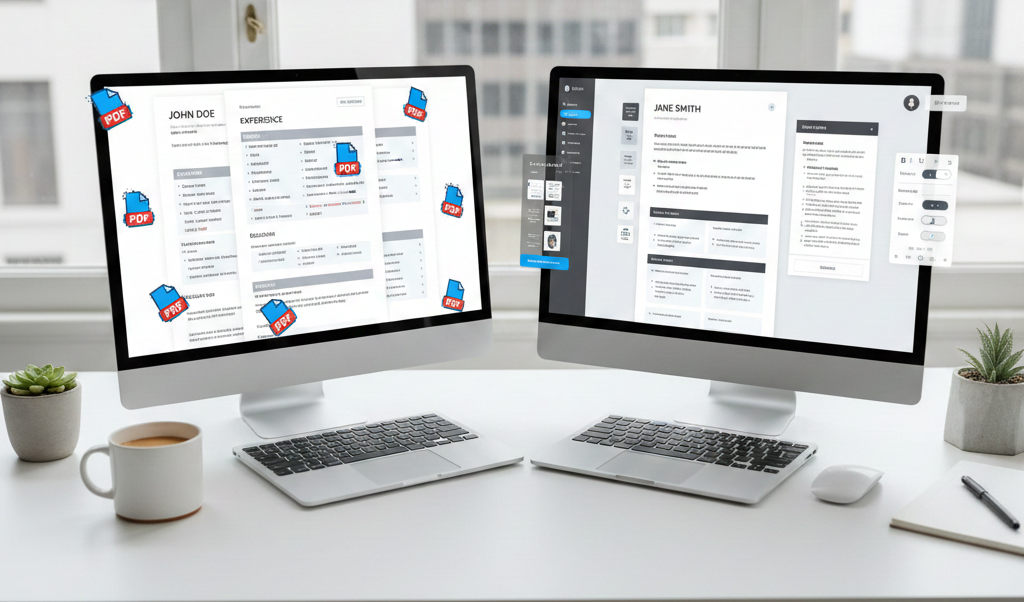
Why speed matters: Edit resume without Word or PDF tools
Time is often the enemy in job searches. You get one chance to apply quickly and correctly. That’s where a quick resume editing tool shines. Instead of wrestling with margins, you pick a template, paste your content, and polish the outcome.
Whoozit emphasizes speed without sacrificing quality. You can create a professional resume within minutes and keep versions for different roles. In my experience, this workflow increases application volume and keeps the quality consistent.
Free vs paid: which route should you take?
There are free resume maker online tools that do a solid job, especially for basic needs. If you need advanced features like ATS checks, content suggestions, or multiple template exports, paid tiers are worth it.
Consider upgrading when:
- You apply to many roles and need tailored versions fast
- You want ATS compatibility checks built in
- You need multiple export options or a personal branded URL
Whoozit offers functionality that helps at all stages, and you can start free to see how it fits your workflow.
Final checklist before you export
Before you hit export, run through this short checklist. I keep it as a sticky note when I’m revising resumes for students.
- Headline reflects the job you want
- Summary is short and impact focused
- Top three bullets per recent job are tailored and quantified
- Skills section contains job keywords and tools you know
- One font family and consistent spacing throughout
- PDF export checked on phone and laptop
- Optional: run an ATS parse test
Common pitfalls to avoid
Here are a few quick traps to watch for.
- Overloading the resume with buzzwords without examples
- Using uncommon file formats that ATS systems might not parse
- Putting critical info in headers or footers where parsing often misses it
- Keeping long paragraphs instead of concise bullets
- Neglecting the summary or headline
Cleaning these up usually gives a big bump in recruiter response rates.
Wrap up: Why Whoozit is worth trying
If you want a fast, professional resume editor that removes formatting headaches and helps you focus on content, give Whoozit a try. It’s built for people who need to edit resume online quickly and look polished without hiring a designer.
I’ve guided several colleagues through using Whoozit and the usual result is the same: faster edits, cleaner resumes, and fewer format issues during PDF export. You can get an ATS-friendly resume, customize it instantly, and export without fiddling around in Word.
Ready to simplify your job search and get a professional-looking resume in minutes? Book a free demo and see how Whoozit fits your workflow.