Biodata Builder That Transforms Your Story into Opportunities | Create Free Online
Starting your job search or applying for your first internship? A clear, well-structured biodata can open doors. I’ve helped friends and students rebuild theirs more times than I can count, and one thing is consistent: a good biodata tells a story that matches the role. It is not a laundry list. It is a quick, honest snapshot that leads to conversations.
What is a biodata and why it matters
Many times, people mix up biodata with resume. So clearing that first. A biodata mainly includes personal details, education, skills, and a brief work history. It is generally a short and simple document. Resumes are more role-focused. They highlight achievements, metrics, and project outcomes. Both have their place.
For internships, entry-level roles, or training programs, recruiters often look for biodata first. It’s fast to scan. It tells them whether you meet basic eligibility and whether they should invite you for the next step. In my experience, a tidy biodata increases your chances of getting shortlisted because it’s easy to read and honest.
When to use a biodata vs a resume
- Where biodata is the right choice? In campus placements, government job applications, fellowship applications, or when a form specifically asks for biodata.
- When applying for a professional job, a tech role or a position where your achievements and metrics matter, a resume would be the right choice.
- In case you are submitting an application online and it asks for a short profile or biodata, do not copy-paste your complete resume. Instead, prepare a short biodata.
How a good biodata creates opportunities
I’ve noticed recruiters skim biodata in under 20 seconds. They check basic info, educational fit, and a quick skills list. If those match, you get a call. That’s the power of a well-crafted biodata: it removes friction. It gets you to the conversation stage faster.
A biodata that reads like a story is more memorable. Instead of listing "MS Office" and "Python", show roles where you used those tools. For example, "Managed weekly reports using Excel macros" or "Built a small data-cleaning script in Python for class projects." Short. Specific. Human.
Meet whoozit: a simple biodata builder
If you want guidance and templates, check out whoozit. It’s a modern, simple online biodata maker made for students and first-time applicants. I liked it mainly because it remains very practical. The user interface is very simple, and it takes you through the most important parts without confusing you.
Just use whoozit to select a contemporary biodata style, enter the details one at a time, and save a neat PDF. No need for design skills. It’s an amazing time-saving tool, particularly when the requirement is to create different versions of the biodata for various positions.
Step-by-step: Create a professional biodata fast
Below is a walk-through I use when coaching students. You can follow this with any online biodata generator or use whoozit to speed things up.
1. Start with a clean header
Put your name, phone, email, city, and a link to your LinkedIn or portfolio. Don’t overdo it. No need for photos unless the application asks. Recruiters want to see info at a glance.
Example header line: Riya Sharma | +91-98765 43210 | riya.sharma@email.com | Bengaluru | linkedin.com/in/riyasharma
2. Write a short profile or objective
Keep this to 1-2 sentences. Mention your degree, year, and what you want to do. Be specific. Ditch the vague phrases like "seeking dynamic opportunities".
Good example: Final-year B.Tech student in Computer Science with hands-on project experience in data analysis and web development. Looking for a summer internship in product analytics.
3. Education: put the essentials first
List your most recent degree first. Include institution, degree, year, and relevant modules or percentage if it helps. If you have a strong CGPA or awards, highlight them. No need to list every subject from first year.
4. Experience: include internships, projects, and part-time work
For each entry, use 1-3 bullet points. Focus on what you did and the impact. Even class projects count. I always tell students: treat a class project like a mini-job. Mention tools, your role, and outcomes.
Simple project example: Built a room booking web app using React and Firebase. Implemented user authentication and real-time booking updates.
5. Skills: be honest and specific
Divide skills into categories like Programming, Tools, Language, and Soft Skills. Avoid putting "Expert" unless you truly are. Recruiters sometimes test basic skills during interviews.
Good skills list: Programming: Python, JavaScript. Tools: Git, Excel, Figma. Languages: English, Hindi.
6. Certifications and training
Only include relevant certifications. Short online courses are fine, especially if they taught practical tools. Add the provider and the year. If certified recently, mention it.
7. Achievements and extracurriculars
Keep it short. Mention leadership roles or relevant contests. Avoid unrelated hobbies like "enjoy movies". If you do list hobbies, connect them to skills like teamwork or time management.
8. References and availability
Only add references if requested. Instead, use "References available on request" to save space. For internships, add your availability dates so recruiters know when you can start.
Layout and format tips for a modern biodata
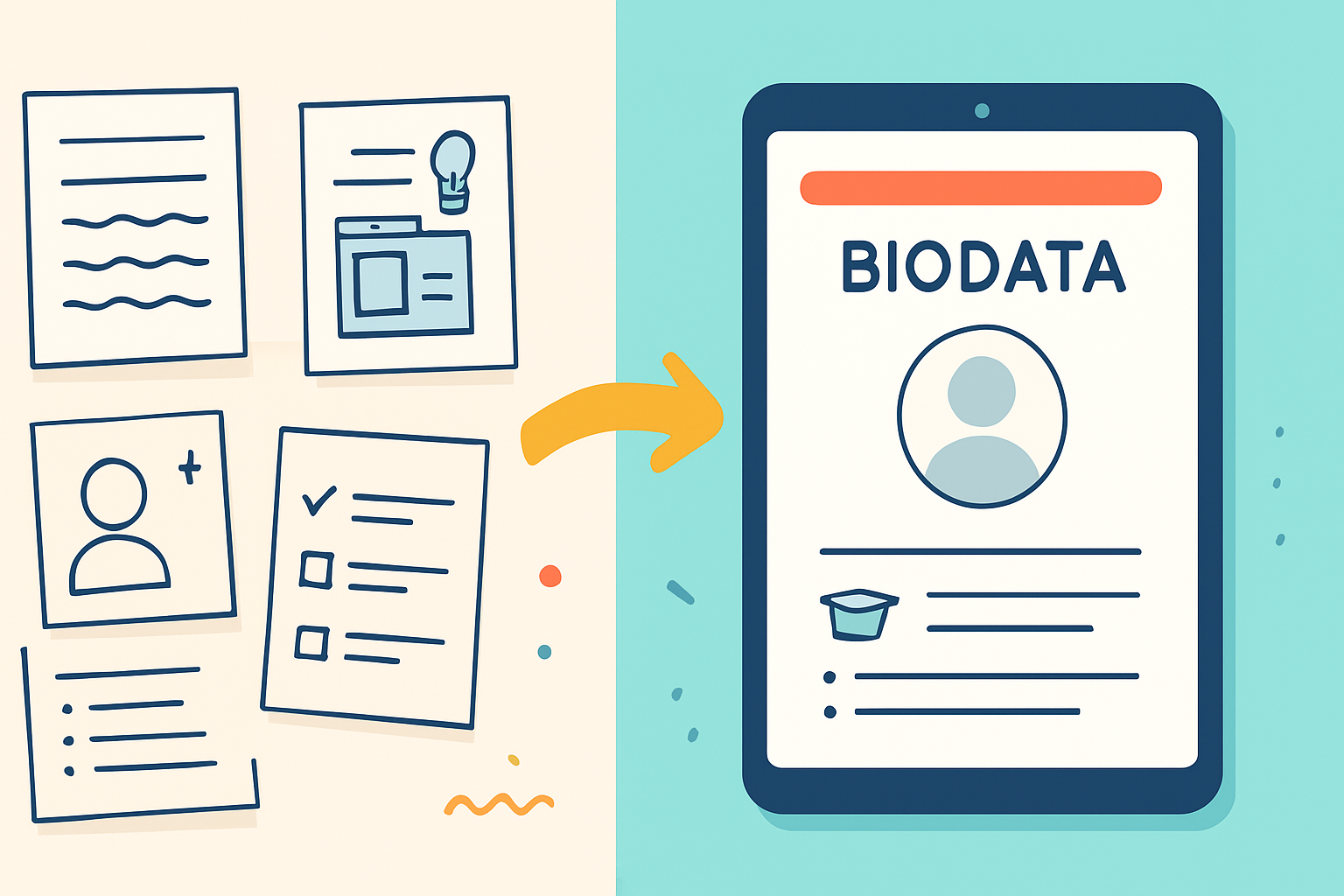
Design matters, but simplicity wins. Use a clean, professional font and consistent spacing. Make headings slightly larger. Avoid flashy colors. Recruiters prefer legibility. In my experience, a tidy layout makes your biodata feel confident and professional.
- Keep it to one page for entry-level roles and internships.
- Use bullet points for clarity.
- Save as PDF so formatting stays put.
- Use a modern biodata format with section dividers and clear labels.
Common mistakes and how to avoid them
Let me point out a few mistakes I see all the time. Fix these and your biodata instantly looks better.
- Too generic objectives. Tailor it. Mention the role or area you want.
- Overloading with irrelevant info. Keep it focused on what the recruiter wants to know.
- Typos and inconsistent formatting. Proofread. Read aloud or ask a friend to check it.
- Using vague words like "responsible for". Replace them with what you actually did and the result.
- Listing too many soft skills without examples. Pair soft skills with a quick example like "led a 5-member team".
Practical examples and simple templates
I like small templates that students can copy. Here are two short ones you can paste into a biodata generator or fill into whoozit fields.
Template A: Internship biodata
Name | Contact | City | LinkedIn
Profile: Final-year [Degree] student with hands-on project experience in [area]. Seeking an internship in [role] starting [month].
Education: [Degree], [Institution], [Year], [CGPA]
Projects: [Project Title] — Short sentence about what you built, tools used, and result.
Skills: Programming, Tools, Languages
Experience: [Intern or part-time role] — 1-2 bullets focusing on actions and outcomes.
Availability: [Months]
Template B: Entry-level biodata
Name | Contact | City
Objective: Recent [Degree] graduate looking for an entry-level role in [field]. Strong foundation in [skills].
Education: [Degree], [Institution], [Year]
Work and Projects: Brief bullets describing impact and tools.
Skills and Certifications: Short categorized list.
Achievements: 1-3 items relevant to the job.
Quick examples that hiring managers like
Short and honest beats long and vague. Here are two quick real-sounding lines you can use.
- Managed weekly inventory reports using Excel macros to reduce reconciliation time by 30 percent.
- Built a chatbot for course queries using Python and Dialogflow that handled 200 student requests during orientation.
See how these show action, tool, and impact? Use that pattern throughout your biodata.
Using an online biodata maker: step-by-step with whoozit
Want to build one in 20 minutes? Follow these steps. I’ve walked several classmates through this exact flow.
- Open whoozit and choose a biodata template that matches your industry. Pick something clean and simple.
- Fill the header and short profile first. Those are the parts recruiters read first.
- Add education, projects, and skills. Use concise bullets. Avoid long paragraphs.
- Preview the biodata and export to PDF. Check spacing and alignment.
- Make one tailored version per role. Change the profile and the skills to match the job description.
If you haven’t used a biodata generator before, whoozit’s prompts help you avoid blank-page paralysis. It asks the right questions and formats answers into a professional biodata quickly.
How to tailor your biodata for different applications
Customization is quick but crucial. Recruiters are able to distinguish a custom biodata from a standard one. You don’t have to think it through. Just change three things and that’s it.
- Profile line: mention the role and one relevant skill.
- Skills section: reorder skills so the top ones match the job ad.
- Project or experience bullet: swap one example to match the role’s focus.
Small changes show attention to detail. That goes a long way when hiring managers scan dozens of biodata.
Also read -
- Link in Bio Strategy: How To Make One Link Power Your Entire Personal Brand
- 10 Tools to Help You Promote Yourself Online
Privacy and data safety: what to watch for
When you use online biodata tools, check how they handle data. Don’t upload sensitive identity documents unless necessary. Use a professional email, and avoid posting personal details like birthdate or ID numbers unless required.
whoozit keeps things simple and respects common privacy expectations. Still, double-check any platform’s privacy notes if you’re uneasy. I always advise students to remove overly personal info before sharing publicly.
Frequently asked questions
1. What is the ideal length for my biodata?
Just one page. Be brief especially if it is for an internship or a first job.
2. Should I include a photo?
Only if the application asks for it. In general, skip it unless the industry expects photos.
3. Can I use the same biodata for every job?
No. Slight edits for each role improve your chances dramatically. Tailor profile and skills to match the job posting.
4. Is biodata different across countries?
Yes, small differences exist. Some countries expect longer CVs with academic details. If you’re applying abroad, check local norms.
5. Are biodata templates safe to use?
Yes, templates are safe. They help you present information clearly. Just avoid copying templates word-for-word. Personalize them.
Common pitfalls when using biodata generators
Generative tools are helpful, but they can tempt you to overfill sections. Here are a few traps I’ve seen students fall into.
- Overwriting honest skill levels. Don’t claim advanced skills you haven’t used.
- Too many buzzwords. Employers prefer clarity over flashy terms.
- Copy-paste profiles. A generic summary stands out for the wrong reasons.
- Forgetting to proofread after export. Formatting can shift. Always check the final PDF.
Proofreading checklist
Before you send your biodata, run through this quick list. It takes five minutes and saves embarrassment.
- Correct contact details and professional email.
- No spelling or grammar errors.
- Consistent date formats and fonts.
- Sections in logical order for the role.
- File saved as PDF and named appropriately, for example: RiyaSharma_Biodata.pdf
How a biodata supports your broader job strategy
Your biodata is like a handshake that initiates the conversation. So, after organizing your biodata properly, keep it ready for college placement profiles, internship portals, and recruiter outreach that requires a quick call. Just a short LinkedIn message along with it and you’ll be good to go.
Also, make sure your LinkedIn matches key facts from your biodata. Recruiters often cross-check. If your biodata says you built a project, your LinkedIn should reference the same project and ideally link to code or a demo.
Real-life quick wins I’ve seen
Here are a few examples from students I coached. These small changes got results fast.
- Changed a vague objective to a specific one and got invited to two internship interviews within a week.
- Added project outcomes with numbers. Recruiters remembered the student and asked about the project in the first interview.
- Switched to a simple biodata format using a free online biodata maker and saved hours on formatting. The student could apply to 15 internships in a single weekend.
Simple samples you can copy and paste
Here are two short sample biodata sections you can use in a biodata generator or as part of your whoozit profile.
Sample Education entry
Bachelor of Technology in Computer Science, XYZ Institute, 2024. CGPA: 8.4/10. Relevant courses: Data Structures, Database Systems, Machine Learning.
Sample Project entry
Coursework Project: E-commerce analytics dashboard. Built a sales dashboard using Python and Dash to visualize weekly sales and customer segments. Improved report clarity for coursework presentations.
Takeaways and next steps
To wrap up, a biodata is short, focused, and when done right, it gets you into conversations. Keep it honest. Keep it specific. Use tools like whoozit if you want a guided, no-fuss way to build a modern biodata format fast.
If you want help creating your biodata, try a template, fill it with your real examples, and tailor it for each role. That small effort makes a big difference.
Helpful Links & Next Steps
- whoozit - professional biodata builder
- whoozit blog - tips and biodata samples
- Book a free demo today!
Ready to try it? Book a free demo today and see how whoozit can help you turn your story into opportunities.