Why Your Personal Website Is More Important Than Social Media
This blog argues that founders, consultants, and creators should prioritize a personal website as an owned, permanent hub for credibility, discoverability, and conversion rather than relying only on social platforms. It contrasts social reach and algorithm risk with websites’ control, SEO benefits, lead capture, and richer storytelling. The post gives practical guidance, essential pages (hero, value props, case studies, contact), a simple social→site→conversion funnel, SEO basics, analytics, integrations, content ideas, and launch steps that warn common mistakes, offers design and copy tips and templates, outlines hiring criteria, and positions Whoozit as a service to build high‑converting personal sites.
If you rely on Instagram, LinkedIn, or X for visibility, this one is for you. I see founders, consultants, creators, and small business owners treat social profiles like real estate. They build great streets but forget about the land they own. In my experience, that land is your personal website. It gives you control, credibility, and the ability to convert attention into something that lasts.
Let me be blunt. Social platforms are rental spaces. They work great for reach, but they change rules, algorithms, and features without asking. Your followers are valuable, but you do not own them. A personal website is the asset that ties everything together. It is where people go when they want to know who you are, what you do, and how to work with you.
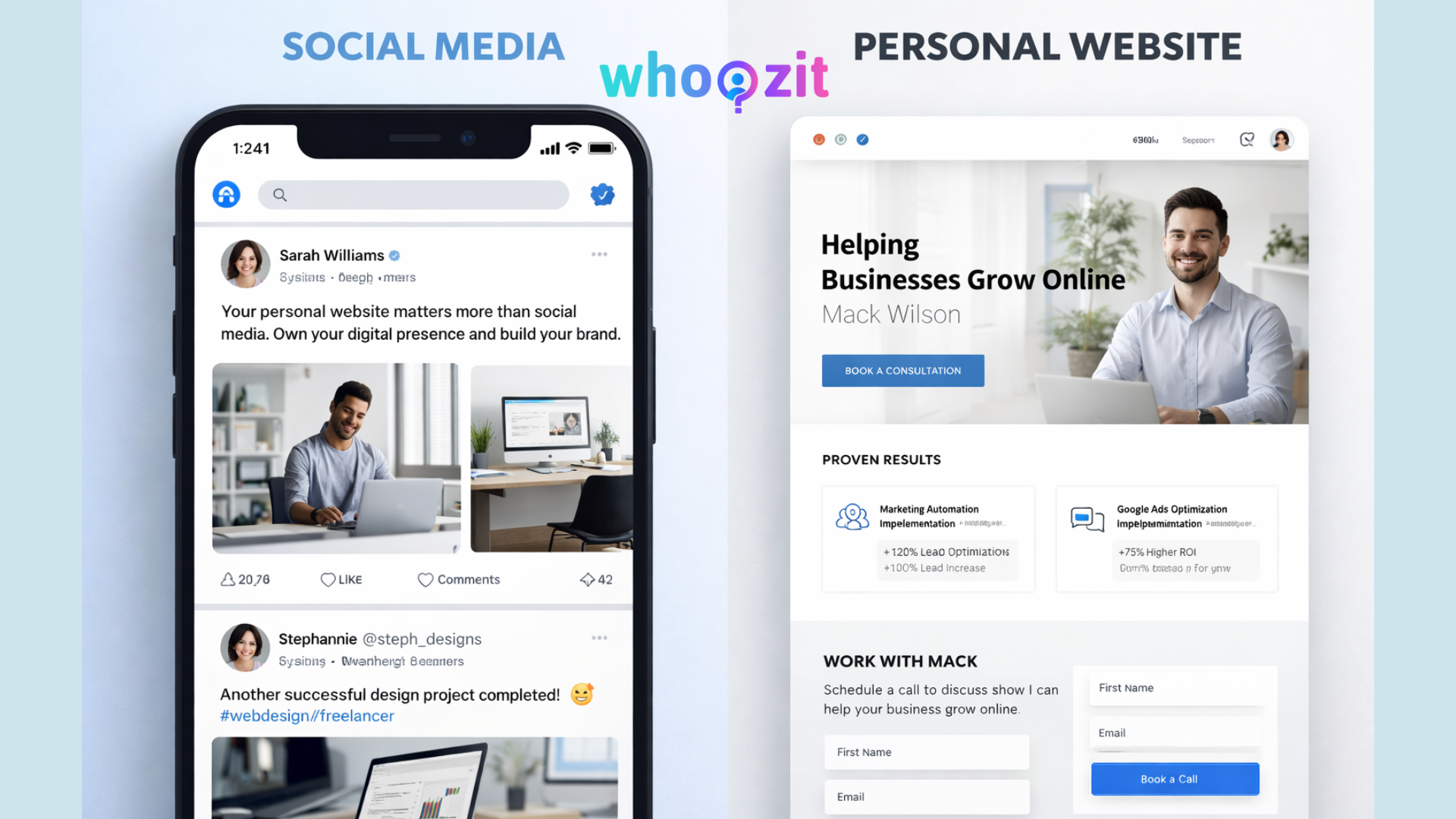
Quick reality check: personal website vs social media
Which would you rather have? A growing list of contacts that you can email whenever you like or a following that could disappear if a platform bans you, collapses, or simply stops showing your posts? Most of us pick the first one when we think about it clearly.
- Social media
- Personal websites
That contrast explains why the benefits of a personal website go far beyond what a feed can deliver.
Top benefits of a personal website
Let me walk you through the practical advantages. These are the reasons I tell clients to invest in a personal website first, and social second.
- Ownership and control. Your site is yours. You decide the layout, the content, and the call to action. No surprise shadow bans or rule changes.
- Credibility and trust. A clean, updated professional portfolio website signals that you take your work seriously. It is the first place potential clients check before replying to a DM or an email.
- Discoverability through search. People search for professionals by name, service, or problem. A well-built website helps you rank. That search traffic is steady and high intent.
- Conversion and lead capture. You can design conversion paths, measure conversion rates, and run experiments. Socials limit your options for direct conversion.
- Data and audience building. Collect emails, segment users, and run targeted campaigns. Owning your list is the easiest way to stay in touch regardless of platform changes.
- Flexible storytelling. A website lets you publish long-form case studies, testimonials, and rich media things that rarely do well in a feed.
- Professionality at scale. Want to pitch an investor or land a partnership? A personal website is the first link people look for in a bio.
Why founders and consultants need a website more than a flashy feed
Founders and consultants sell confidence. When someone stakes time and money on you, they want proof. Social posts can show personality, but they do not show the whole process.
In my experience, clients decide to hire after they can answer three questions: Who are you? What have you done? How do I work with you? A website answers all three in a single place. You can include case studies that show results and process, a clear service page, and a lead capture that invites a next step.
If you run a startup, think of your site as the hub for everything else. It is where the press, partners, and investors land. If you consult a professional portfolio website showcases your best work and makes discovery easy.
A simple funnel: social traffic to website to conversion
Don’t ditch social. Use it. But use it to feed your website.
Here is the simple flow that actually works:
- Post useful content on social media.
- Link the post to a specific page on your site that expands on the idea.
- Offer a small ask on that page, like a downloadable checklist or a booking link.
- Capture the visitor's email and follow up with valuable information.
- Convert that engaged lead into a client or customer.
This turns unpredictable social reach into measurable growth. I use this approach with early-stage founders, and it moves the needle faster than chasing likes alone.
Common mistakes people make when relying on social
I see the same errors over and over. They are easy to fix once you know them.
- No central link. People have great content but no home base. You need a site where you control the story.
- Inconsistent branding. Different bios and mixed messages make you look unprofessional. Use the site to set the brand tone.
- Hiding contact information. If your contact button is buried, you lose clients. Make it obvious.
- Ignoring analytics. Without data, you guess. Even basic tracking shows what content turns into leads.
- Too much noise. Long social feeds can confuse potential clients. The website should give a clear path to work with you.
What to put on your personal website: a practical checklist
Here are the essentials I recommend. Keep the language simple and the navigation clear.
- Hero statement, one sentence that says who you are and who you help.
- Value props, three short bullets that explain outcomes clients get.
- Case studies, one to three that show process and results. Use numbers if you have them.
- Services or offerings, clear pricing, or an invitation to inquire.
- Lead capture, a newsletter sign up, or a free guide.
- Contact and calendar, a simple booking link makes conversion frictionless.
- Social links, but use them as amplification, not the centerpiece.
- About page, short bio, one photo, and a line about your mission.
Simple examples work best. For instance, a consultant could offer a one page case study with client name, challenge, solution, and a clear metric. A creator could keep a short portfolio and sign up for early releases. I prefer pages that answer the user's question in under 15 seconds.
Practical steps to build a personal website without overthinking
Building a site does not have to be hard or expensive. You can get a solid personal website up in a weekend if you focus on essentials.
- Pick a simple template or a one page layout. Many templates are designed for professionals and convert well.
- Write a clear headline and three value bullets. Less is more here.
- Choose one case study and one lead capture to start. Add more later.
- Connect analytics. Even Google Analytics or a simple event tracker will do.
- Buy your name domain. Yourname.com matters more than you think.
- Set up a calendar link and contact form. Make it trivial to book you.
- Launch, iterate, and improve content based on real visitor behavior.
I tell clients to launch with a minimum viable site. Get feedback, then expand. You will never write the perfect copy in a vacuum. Real visitors teach you faster than hours of editing ever will.
Design and copy tips that actually convert
Design and copy matter, but they do not need to be flashy. Focus on clarity and action.
- Make the main action obvious. If you want bookings, put the booking button in the header.
- Use short sentences and plain language. Imagine explaining your work over coffee.
- Pick one color for calls to action and use it consistently.
- Show real results in case studies. Numbers and context win trust.
- Include a face. A simple headshot makes you human and memorable.
Once, I helped a founder swap a vague headline for a specific promise. Conversion tripled. It was not a design miracle. It was clarity. People like to know what they get.
SEO basics for personal websites that founders should know
I keep SEO advice short because most people either drown in it or ignore it. Here are the practical parts that matter.
- Use your full name in the site title and the about page. People search for names first.
- Write a specific service page. If you help product teams hire, say it plainly.
- Publish a few helpful posts that answer common questions in your niche. This builds long term traffic.
- Link your social profiles back to your site. Internal linking helps search engines connect your presence.
- Keep page load fast and mobile friendly. Many visitors come from phones.
These steps move the needle slowly but steadily. SEO is a marathon. If you want faster results, combine search with paid ads or partnerships.
Analytics and testing: stop guessing
Analytics is not just for big teams. You need to know which page brings leads and which content drives bookings.
Set up two things right away:
- Basic analytics to see traffic sources and page behavior.
- Event tracking for primary actions like email sign ups and booking clicks.
Run simple A B tests. Try two headlines for a week and see which one gets more clicks on your booking button. Keep what works, ditch what doesn’t. Small wins compound into a much better conversion rate.
Integrations that turn visitors into customers
Connect tools that remove friction. My favorite combinations are email automation and calendar booking. They let you follow up without manual work.
- Use an email provider that lets you tag and segment subscribers.
- Set up a booking tool to show only available times. That avoids the back and forth.
- Connect a payment processor if you sell services or digital products directly.
These integrations feel technical at first, but the time you spend setting them up pays back in saved hours and testing and tracking so the profile.
Content ideas that work on a personal website
Not sure what to publish? Here are simple formats that attract a professional audience.
- Short case studies with metrics.
- How I approached X, a step by step write up.
- Lessons learned from a failed project.
- Templates or checklists people can download.
- Video introductions so visitors can meet you quickly.
I always suggest starting with one strong case study and a downloadable checklist. Those two items give you credibility and a reason to capture an email address.
Real examples you can copy
Here are three tiny templates you can adapt. Keep them human and specific.
Consultant homepage headline
Helping SaaS founders cut onboarding churn in half through product audits and micro experiments. Book a 15 minute call.
Case study format
- Client name and context.
- Problem and metrics before.
- Solution and steps taken.
- Outcome and metrics after.
- Quote from the client.
Lead magnet idea
Free checklist: 10 things to fix on your onboarding funnel before you scale. No fluff. One page.
These are short and human. They work because they answer a direct question and make the next step obvious.
How to use social media without giving up ownership
Use social platforms to distribute and build awareness. Then bring the audience home.
Here is how that looks in practice:
- Share micro insights on social, then link to a related article on your site.
- Use stories or short videos to highlight a case study and link to the full version.
- Run a live session and collect emails via a landing page on your site.
Think of social as the amplifier and your website as the home base. They work best together.
Hiring someone to build your site: what to look for
If you decide to hire, pick a partner who understands conversion, not just design. Here are the things I check when working with an agency or freelancer.
- Do they ask about your business goals and ideal client?
- Can they show examples of sites that generate leads?
- Are they able to implement analytics and basic SEO?
- Will they set up simple automation and booking tools?
- Do they offer a plan for minor updates after launch?
I often recommend building the first version quickly and then iterating. A lot of agencies try to perfect the design before knowing what content actually converts. That wastes time and money.
Common pitfalls when building a personal website
Watch out for these traps. I have seen them derail otherwise solid projects.
- Overdesign. A beautiful site that hides who you help is useless.
- Too many choices. If you offer ten services, you confuse visitors. Start with the core offer.
- No clear next step. If users do not know what to do, they leave.
- Relying only on visuals. Words sell. Clean copy matters more than fancy graphics.
- Forgetting the mobile. Most visitors will find you on their phone.
How Whoozit can help
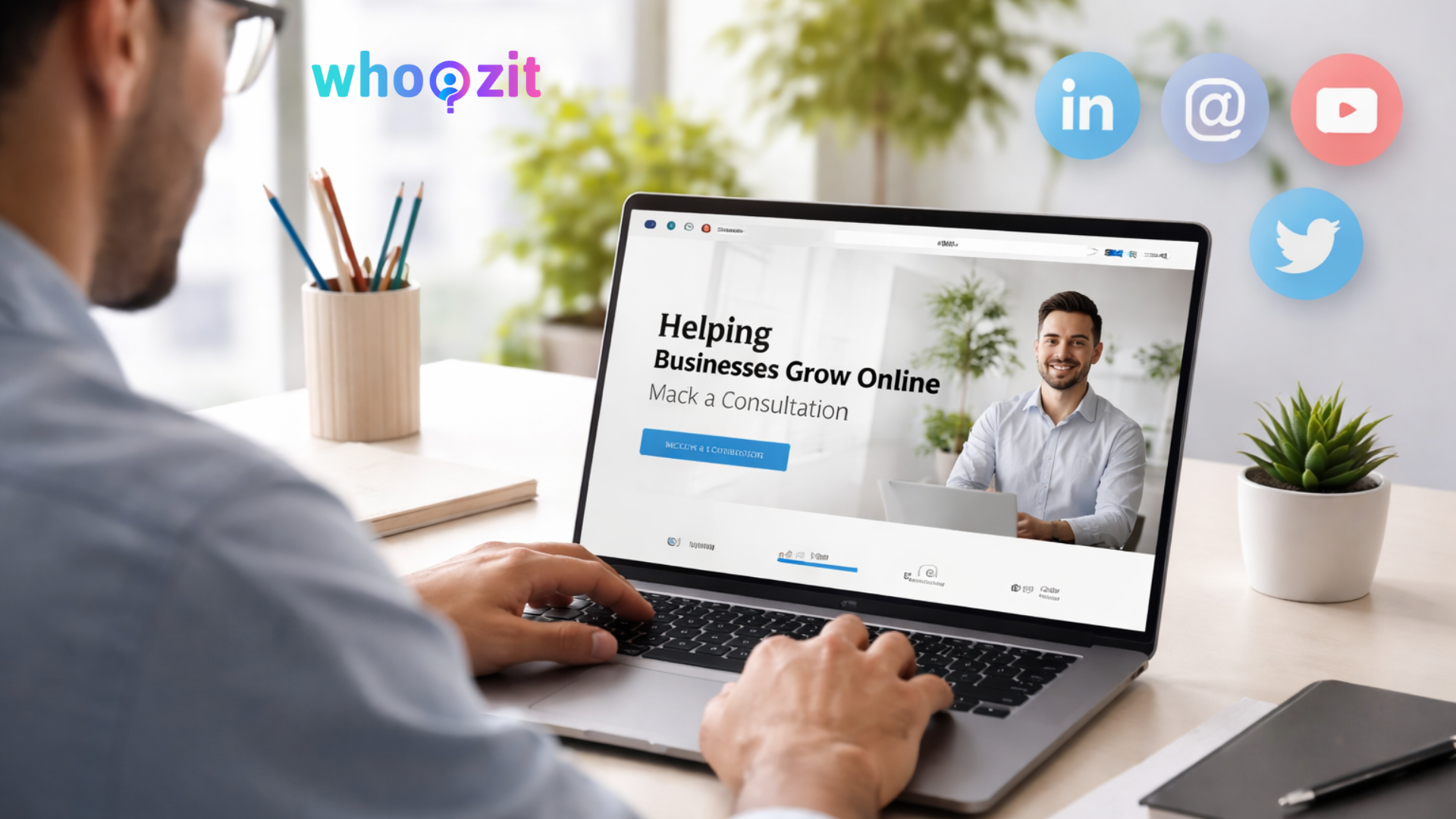
If you want help turning social attention into something that scales, Whoozit builds high converting personal websites for professionals. We focus on clarity, flow, and measurable results. In my experience working with founders and consultants, small changes to messaging and funnels create an outsized impact.
Whoozit helps with everything from domain setup to conversion tracking. We design pages that make booking simple and showcase work in ways that win trust. If you want a site that actually brings in clients, that is what we do.
Frequently Asked Questions.
Read more :
Next steps you can take this week
Don’t overcomplicate this. Pick one small project and finish it.
- Buy yourname.com if you do not already own it.
- Write your one sentence headline and three value bullets.
- Create one case study and publish it on a simple page.
- Add a booking link or a lead magnet and connect basic analytics.
These steps will make your presence feel more professional and give you something real to share on social. I promise the momentum that follows beats another month of chasing likes.
Helpful Links & Next Steps
If you want help or just want to talk through ideas, book a Meeting Today. No pressure, just practical advice you can use.