Website Visitor Analytics: What Most Businesses Fail to Track

This blog argues that page views and bounce rate are insufficient for understanding user behavior and improving conversions. It advocates tracking meaningful, contextual signals—micro-step funnel drop-offs, event properties, field-level form analytics, session recordings, scroll/attention metrics, internal search behavior, error and performance data, cohort retention, and attribution quality. The author explains tool choices, privacy safeguards, common pitfalls (inconsistent naming, over-instrumentation, poor data quality), and a prioritization checklist. Practical steps include quick experiments, pairing recordings with event tracking, and a lightweight detect-diagnose-experiment-measure workflow. The post’s purpose is to help teams collect actionable data that leads to measurable UX and real business improvements.
If you think “page views and bounce rate” are enough to understand how people use your site, you are missing the point. I say this as someone who has spent years helping product teams and growth marketers dig past surface numbers. In my experience, tools like Whoozit show that good website analytics is less about big dashboards and more about capturing the right signals that help you fix real problems, not chase vanity metrics. including ways to identify anonymous website visitors
This post pulls back the curtain on the metrics most teams skip. I’ll walk through what matters, why it matters, and simple ways to start collecting better data today. No fluff, just practical advice you can use whether you run a SaaS, a mid-sized site, or manage an e-commerce funnel.
Why the usual analytics fall short
Most companies rely on Google Analytics or a similar tool and stop there. Those platforms give you a lot of surface-level stats, but they often miss the story beneath user behavior. Here are a few reasons why:
- Standard reports focus on visits, sessions, and overall conversion rates, not on the context of individual user journeys.
- Event tracking is frequently underused or implemented inconsistently. Teams track clicks but ignore drop-off reasons or intermediate micro-conversions.
- People confuse correlation with causation. A page with high traffic and low conversions doesn’t tell you why.
- Speed and UX issues get buried under marketing metrics. Slow pages or broken forms can kill conversion rates before users even reach your CTA.
So what do you track instead? Below I list the analytics most businesses ignore and why they matter. I’ll keep examples short and human so you can start testing them right away.
Overlooked metrics that actually move the needle
Think of website visitor analytics as a toolbox. You want tools that reveal friction points in the customer journey. Here are the ones I use most often.
1. User journey drop-off points (funnel stage granularity)
Most teams look at a top-level funnel: session to sign-up to purchase. That’s too broad. Break each step into smaller micro-steps. For a SaaS onboarding funnel, track:
- Landing page -> CTA click
- CTA click -> signup form started
- Form started -> form submitted
- Form submitted -> email verified
- Email verified -> first meaningful action
Tracking these micro-steps helps you see exactly where users give up. Is a form field confusing? Is the verification email not delivered? Those are fixable problems.
2. Event context, not just event counts
Counting clicks is fine, but context matters. Capture attributes like button text, page variant, user plan, and referral source. That makes events analyzable across dimensions and lets you answer questions like “Which source generates users who complete onboarding?”
Example event schema for a CTA click:
cta_click { location: "homepage_hero", variant: "A", user_type: "anonymous", ref_source: "twitter" }
It looks like extra work, but once you have consistent naming and properties, you can answer deep questions quickly.
3. Form analytics and field friction
Forms convert or they don’t. Yet many teams only track form submissions. That misses partially completed forms, time on field, and which fields cause abandonment.
Track field-level events: focus, blur, value change, validation error, and time spent. These show which fields are surprising or unnecessary. A common pitfall is keeping too many required fields just because “we always did.” In my experience, removing one field can lift conversions noticeably.
4. Session recordings and heatmaps
Heatmaps and session recordings are more qualitative than numbers, but they are incredibly revealing. They help you understand where users hesitate, where they try to click non-clickable elements, and how far they scroll.
Use these tools to validate assumptions. If your analytics shows high scroll depth on a page but very low conversions, session recordings often reveal confusion about the CTA placement or poor copy above the fold.
5. Scroll depth and attention metrics
Scroll depth is not just “how far down they go.” Combine it with timing - how long users spend on each section - and with visible CTA exposure. A user who scrolls 80% of the page but spends three seconds on the section with your CTA probably did not see it.
6. Internal search and search refinement
Internal search is a goldmine. People who use search are often closer to conversion. Track search queries, result clicks, no-result queries, and search refinements. No-result queries show missing content or product gaps.
If you see repeated queries for “two-factor auth” or “export data,” that tells product and documentation teams where to focus.
7. Error and performance tracking
Slow pages, JavaScript errors, and flaky APIs create invisible churn. Instrument your frontend to capture errors and load times per page. Then correlate errors with drop-off and conversion rate.
Common mistake: treating performance as purely IT’s problem. Instead, tie performance metrics to business outcomes. A 300ms improvement may mean a 5% lift in conversions. That’s worth pitching to engineering.
8. Returning vs new visitor behavior
Treat returning visitors differently. They have context and are often closer to purchase. Track how return visits change user intent - do they go straight to pricing, or do they revisit a specific doc? Tailor messaging or nudges accordingly.
9. Cohort and retention analysis
Cohorts reveal whether you retain users from specific marketing channels or campaigns. Track cohorts by signup week, acquisition source, or product plan, and watch how activation and retention evolve.
Instead of asking “How many users signed up last month?” ask “How many of last month’s signups completed onboarding within 7 days?” That’s the kind of question that drives product fixes.
10. Attribution quality, not just channel volume
Channel-level reporting can be misleading. Not all paid clicks are equal. Track multi-touch attribution and quality signals like time on site, pages per session, and event completions. A referral channel that drives fewer visits but higher activation is more valuable than a high-volume channel that bounces.
11. Engagement metrics over bounce rate alone
Bounce rate is a crude measure. Combine it with engagement metrics: time on page, scroll depth, repeat pages, and micro-conversions. A high bounce rate on a blog post that primarily answers a question might be fine if users land, read, and convert through the in-post CTA.
12. Form abandonment recovery and abandonment reasons
Don’t just capture who abandons; capture why when possible. Simple techniques like a lightweight optional feedback popup after form abandonment can reveal common reasons - pricing, too much info, slow validation, and so on. That insight is actionable.
13. Customer journey analytics across channels
Users rarely convert in a single session. Map journeys across email, social, paid, and organic. Track the touchpoints before conversion. That helps you spot bottlenecks like email links that land on irrelevant pages or ad copy that overpromises.
One practical step: create a clean naming convention for UTM parameters and make sure marketing and analytics teams agree on campaign taxonomy. It solves more attribution headaches than you might expect.
Tools and approaches to capture these signals
Okay, you know what to track. Now, how do you collect it? There are many website analytics tools and visitor tracking tools. Pick the ones that fit your scale and privacy needs.
- Google Analytics alternatives. If you need user-level granularity and easier event tracking, consider tools that specialize in UX analytics and session recording. These are often easier to instrument for event context and heatmaps.
- Heatmaps and session recording tools. These help with qualitative analysis. Use them selectively on high-value pages so you can avoid sampling noise.
- SaaS analytics tools that offer visitor-level insights. For SaaS teams, look for tools that integrate with your product analytics so you can correlate website behavior with in-app behavior.
- Server-side event collection for reliability. Some events are critical - signups, purchases, payments. Capture these server-side when possible to avoid ad blockers and client-side failures.
- Tag managers and consistent event schemas. A tag manager helps centralize tracking. More importantly, create a clear event naming and properties guide so everyone instruments events the same way.
A quick note: I’ve found that pairing a session recording tool with a robust event tracking plan gets you the fastest wins. Recordings tell you what’s happening, and events tell you how often.
Common pitfalls and how to avoid them
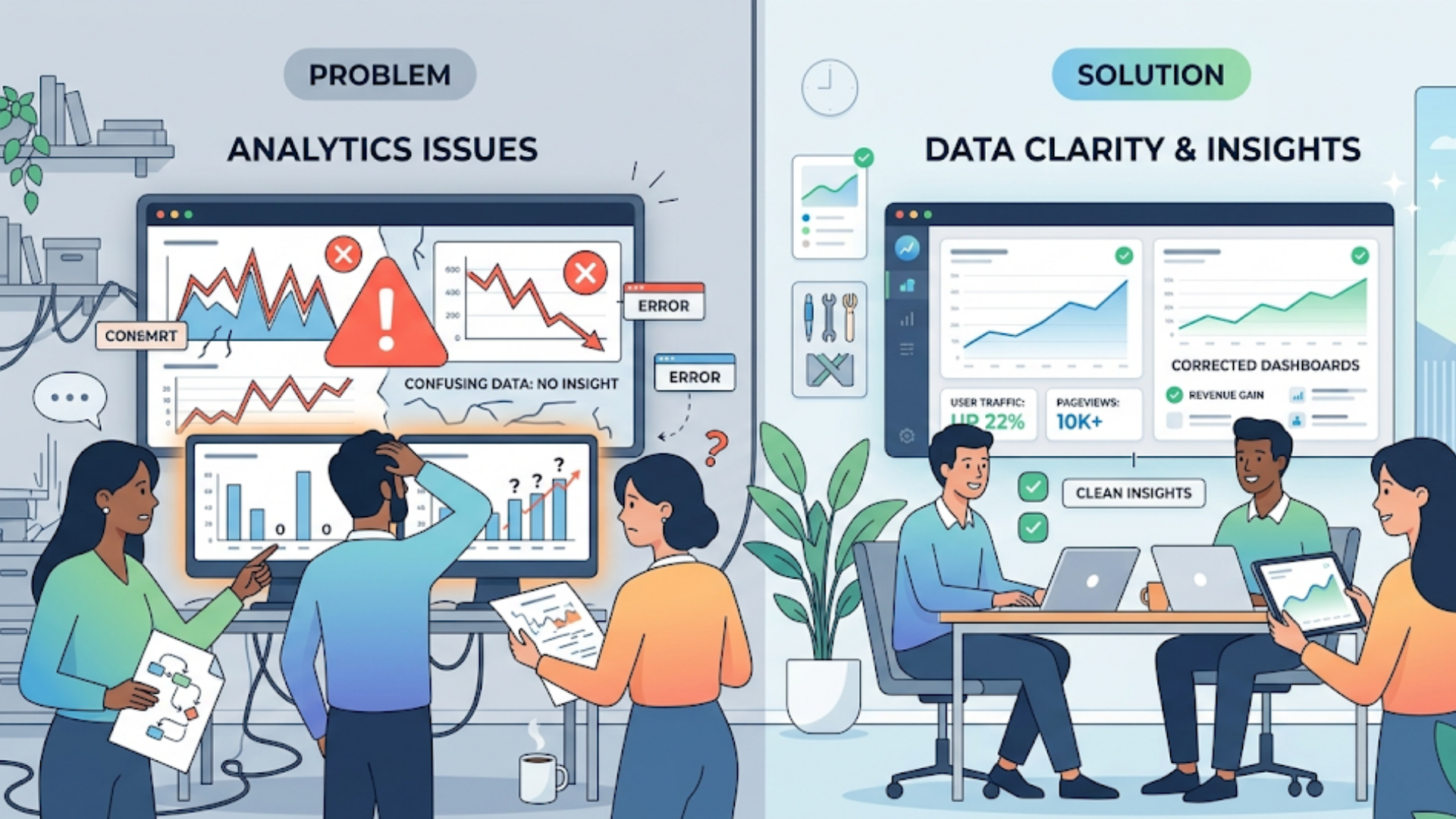
Even with the right metrics, teams fall into traps. Here are pitfalls I've seen and how to avoid them.
Pitfall - inconsistent event naming
When teams use different names for the same event, analysis breaks. Solve this with an event taxonomy document and a central tracking plan. It sounds bureaucratic, but it saves hours of confusion later.
Pitfall - over-instrumentation
Tracking everything does not help. You end up with noise. Start with high-impact events: signups, key form submissions, core CTA clicks, and high-value errors. Expand only when you have a question to answer.
Pitfall - ignoring data quality checks
Set up alerts and regular audits. Sample sessions to ensure events fire as expected. A common silent failure is a broken analytics tag after a deployment. A weekly smoke test catches that early.
Pitfall - not tying metrics to actions
Data without action is just reporting. For each metric you track, define the next steps if it moves up or down. If form completion drops by 10 percent, what do you do? Roll back a change, run a usability test, or A/B test a simplified form?
Pitfall - confusing causation with correlation
Just because conversions rose after a site redesign does not mean the redesign caused it. Run experiments where possible. If not, look for secondary signals like time on page or error reductions to support your hypothesis.
How to prioritize tracking work
Most teams have limited bandwidth. Here’s a simple prioritization approach I use with product and growth teams.
- Map your critical business flows. What steps must users take to become customers?
- Identify the highest-impact metrics in those flows. Pick 5 to instrument first.
- Make events reliable. Start server-side for critical events if possible.
- Collect qualitative evidence with heatmaps or recordings for the top 3 pages.
- Run experiments or small usability tests to validate hypotheses formed from the data.
This way, you focus on signals tied to revenue or retention, not vanity metrics.
Simple examples you can implement this week
Want quick wins? Here are short, clear experiments that often pay off fast.
- Form field trial. Remove one non-essential required field and measure completion rate for a week. Small change, clear impact.
- Intro swimlane. Add an in-page micro CTA that repeats the main CTA after the first content section. Compare conversions and scroll depth.
- Error tagging. Log any front-end validation error with the field name and value length. That reveals fields that fail often and slow people down.
- Internal search review. Export last 30 days of search terms and group by frequency. Implement content or product improvements for the top five missing or confusing queries.
These are intentionally simple. They don’t require huge engineering effort but often surface big wins.
From insights to action: turning analytics into improvements
Data is only useful if it leads to decisions. Here’s a lightweight process to make that happen.
- Detect: Set up alerts for sudden shifts in key metrics - conversion, error rates, drop-off stages.
- Diagnose: Use session recordings and event context to find probable causes.
- Hypothesize: Form a testable theory. Example - “Form validation error on email field causes drop-off.”
- Experiment: Run an A/B test or a rollback. Keep tests short and focused.
- Measure: Use the same tracking to compare results. Look at upstream and downstream effects.
- Document: Record what worked and why. That becomes your team’s knowledge base.
I always recommend small, frequent experiments over big, risky redesigns. They are cheaper, faster, and easier to analyze.
Privacy and data governance - don’t skip this
With great data comes responsibility. Tracking more user behavior raises privacy questions. Be deliberate:
- Collect only what you need. Avoid storing sensitive data in analytics events.
- Anonymize or pseudonymize user identifiers when possible.
- Keep consent flows clear. Respect Do Not Track and cookie consent settings.
- Document retention policies. Don’t keep detailed session recordings indefinitely.
Auditing your analytics for privacy issues is not optional. It protects customers and your company from legal and reputational risk.
How to evaluate analytics tools for deeper insights
Choosing the right website analytics tools matters. Here’s what I look for when recommending tools to growth teams and product managers:
- Flexible event tracking with properties and reliable delivery.
- Easy integration with your product and marketing stack, including data warehouses.
- Heatmaps and session recording capability on key pages.
- A/B testing or integration with your experimentation platform.
- Good retention and cohort reports for customer journey analytics.
- Respect for privacy and compliance with relevant laws.
Sometimes a combination of tools is best. A lightweight analytics tool for marketing funnels, plus a product analytics tool for in-app behavior, plus a session recorder for UX issues. Keep the stack simple and document why each tool exists.
Real quick case: a small SaaS store that fixed a big drop-off
I once worked with a small SaaS that had steady signups but low activation. Top-level analytics showed normal traffic and a healthy signup rate. The problem appeared after signup when users hit the onboarding screen.
We instrumented micro-steps and added session recordings. The recordings showed users struggling with an optional integration prompt that opened a modal and blocked progress. Users thought it was required and left.
We changed the modal to a less intrusive inline link, tracked the new flows, and saw activation increase 18 percent in two weeks. The change cost nothing but one developer hour. That kind of win is why I favor detailed tracking and quick qualitative validation.
Measuring success: what metrics should you watch after implementing better tracking?
After improving analytics, watch these outcome-based metrics to judge impact:
- Activation rate by cohort - did more signups complete key actions?
- Conversion rate across micro-steps - did the biggest drop-off shrink?
- Time to first value - are users getting value faster?
- Error rates and performance metrics - did frontend issues decrease?
- Retention after 7, 30, 90 days - are users sticking around more?
Pair these with qualitative signals like Net Promoter Score or support tickets to get a fuller picture.
Quick checklist to get started
Use this checklist as a starter plan. It’s simple and actionable.
- Document your main user flows and micro-steps.
- Define 5 high-impact events to track this week.
- Standardize event names and properties in a shared doc.
- Set up session recording on top pages and watch 10 sessions.
- Export internal search queries and act on the top 5 no-result terms.
- Instrument front-end error and page speed tracking.
- Run one small experiment based on your findings.
FAQs
1. What is website visitor analytics and why is it important?
Website visitor analytics helps you understand how users interact with your site, from page visits to specific actions like clicks, scrolls, and conversions. It’s important because it reveals user behavior patterns, identifies friction points, and helps improve user experience and conversion rates.
2. Why are page views and bounce rate not enough to measure performance?
Page views and bounce rate only provide surface-level insights. They don’t explain why users leave or what they struggle with. Deeper metrics like user journey drop-offs, event context, and form interactions provide actionable insights that lead to real improvements.
3. What are the most important metrics businesses often miss?
Many businesses overlook metrics like micro-conversion tracking, form field friction, session recordings, scroll depth with timing, internal search behavior, and error tracking. These metrics help uncover hidden issues that directly impact conversions and user experience.
4. How can tools like Whoozit improve website analytics?
Tools like Whoozit go beyond basic dashboards by capturing detailed user behavior, event context, and journey insights. They help businesses identify exact drop-off points, understand user intent, and make data-driven decisions to improve performance and conversions.
A few quick lessons from the trenches.
- Fixing small UX problems is often the fastest path to better conversions.
- Context beats volume. A few well-instrumented events tell you more than a dashboard of vanity metrics.
- Pair quantitative tracking with qualitative insights. Heatmaps and recordings accelerate diagnosis.
- Keep tracking flexible. Business needs change, so your analytics should too.
- Document everything. It saves time and reduces mistakes when new teammates join.
If you’re still unsure where to start, pick one high-value page and instrument just the things listed in the checklist. Run a small experiment and measure results. You’ll learn fast and build momentum.
Helpful Links & Next Steps
Want a hand implementing these ideas? I’ve noticed that teams often need a nudge to move from insight to action. If your team wants to dig deeper into website visitor analytics or explore Google Analytics alternatives and advanced UX analytics, reach out and start the conversation.